Why you need a wedding website
Paper invitations have room for the date, the venue and an RSVP card. Your guests need much more than that: where to stay, what to wear, when the shuttle leaves, whether kids are invited and where to find the registry. A wedding website puts all of it in one place, and you can update it any time without reprinting anything.
It saves you time too. Instead of answering the same questions by text, you send a link. Instead of tracking RSVPs across emails and phone calls, every reply lands in one guest list.
Haven’t made yours yet? Our step-by-step guide to creating a wedding website walks through it with screenshots, from picking a template to sharing your link.
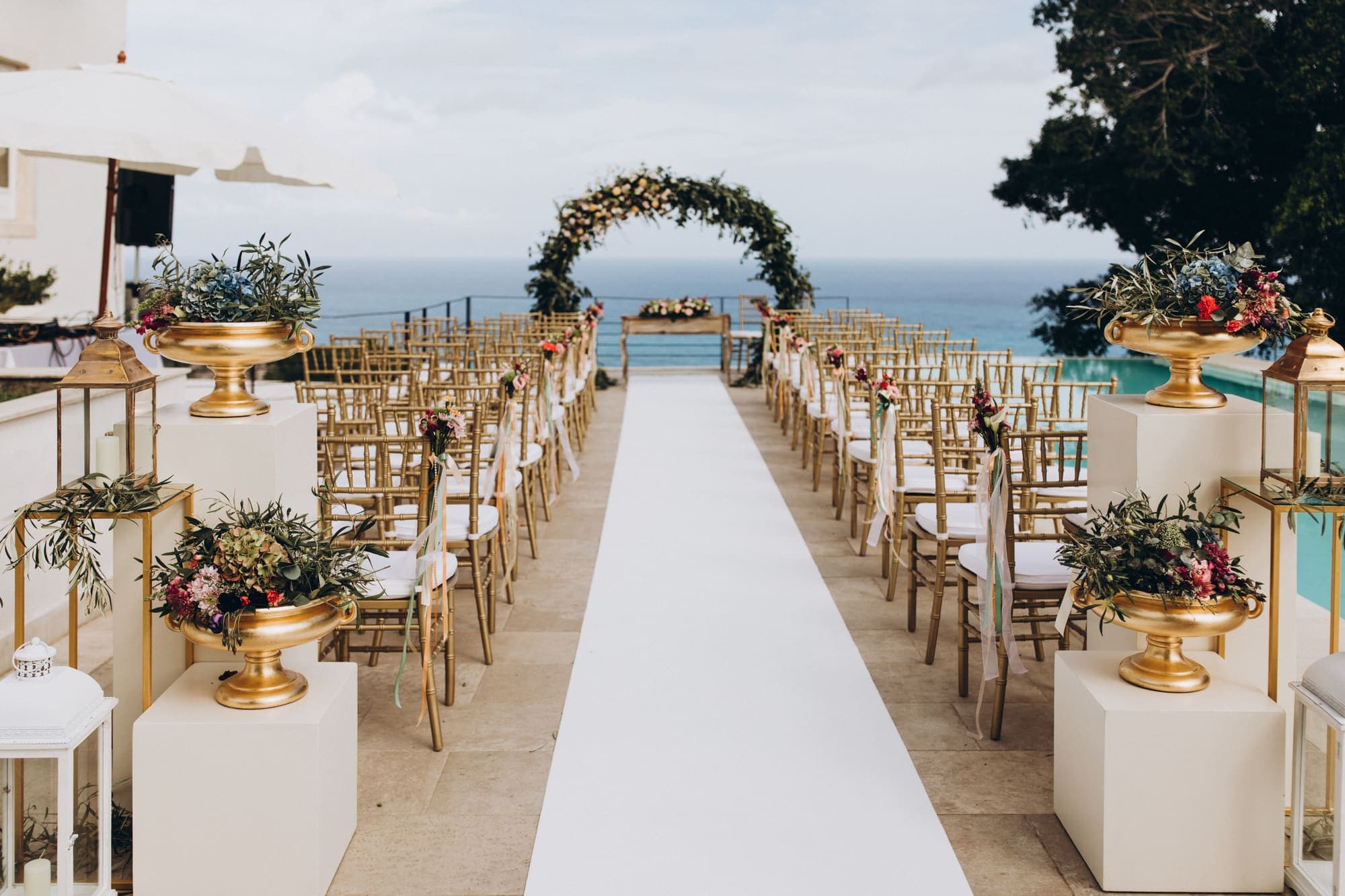
The essentials every wedding website should include
These are the sections guests look for first. Each one is included free on every MyGala wedding website.
- Your names, date and a welcome message. The banner is the first thing guests see, so use a photo you love and a line or two about your story.
- A countdown to the big day, which guests (and you) will check more often than you’d think.
- Ceremony and reception details, with the time, venue, address and a map with directions.
- The schedule. An event program for the day, or for the whole weekend from the welcome drinks to the farewell brunch.
- An RSVP form with guest counts, so one person can reply for their whole party. Replies arrive in your guest list, which you can export to a spreadsheet. You can also import your guest list from a spreadsheet or your contacts.
- A photo gallery of your engagement photos or favourite moments together.
- Your language. Show the page in English, French or Spanish with translations, so every family can read it.
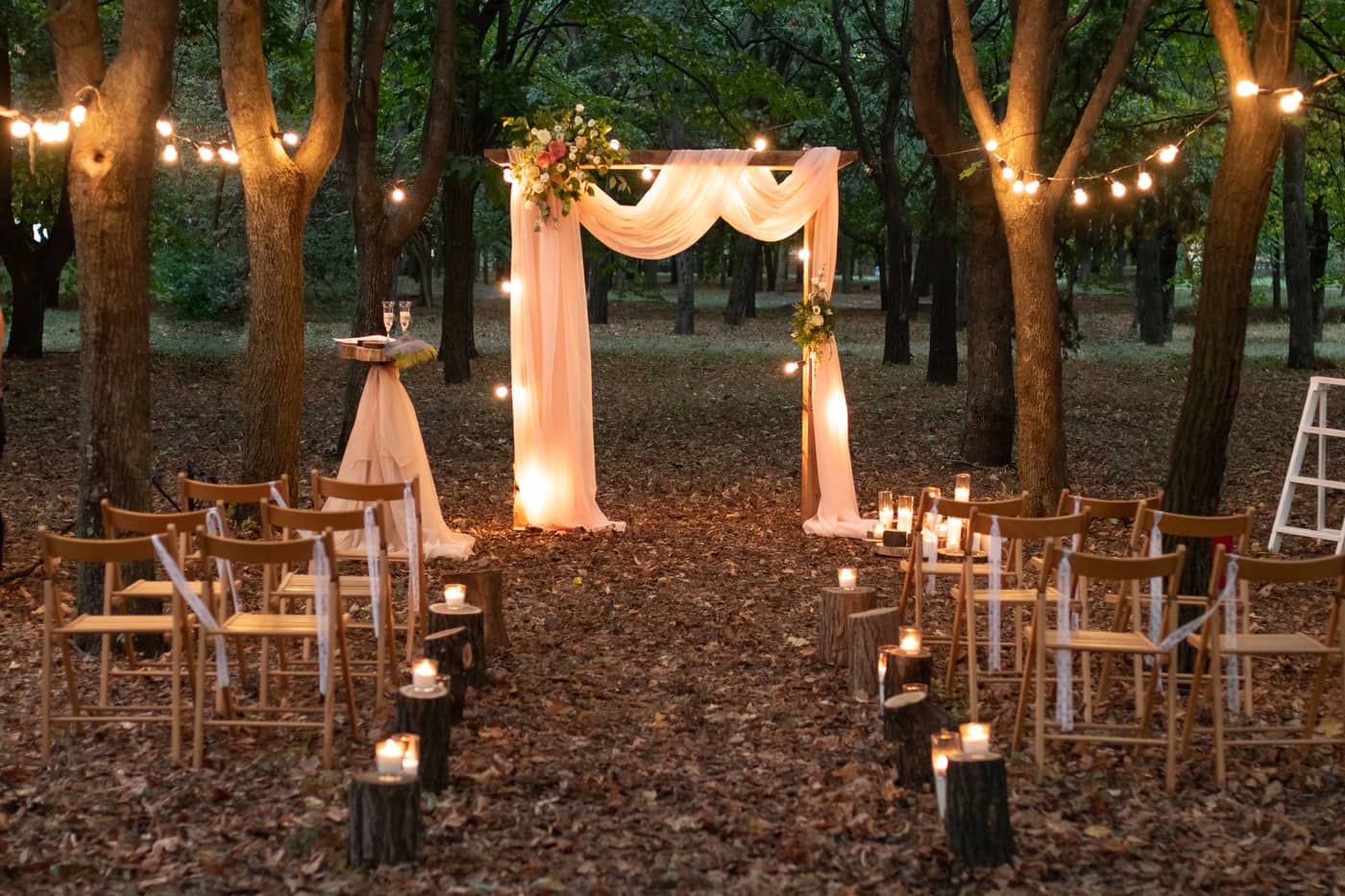
The extras guests will thank you for
These features make the weeks before the wedding, and the day itself, easier for everyone. They come with MyGala Plus, a one-time payment per wedding website.
- Travel, hotels, dress code and FAQs in custom sections written your way.
- A registry section that links to any store or registry site, with your own message about gifts.
- Invitations that match your website, sent by email, text or WhatsApp, with a one-tap RSVP.
- Reminder emails that go out automatically a month, a week or a day before.
- Guest photo QR codes for the reception tables, so guests can upload their photos to your page with no app.
- A livestream of the ceremony for family who can’t travel, plus song requests for the DJ.
- Password protection, if you’d like only invited guests to see the page.
Start your wedding website today
Every template, RSVPs, the schedule and the countdown are free. Add Plus only when you need it.
Create your wedding websiteA design that matches your wedding
The design sets the mood before guests read a word. Choose one that suits your venue and style, from classic ivory florals to a candlelit forest or a breezy beach ceremony. On MyGala every wedding template includes every feature, so you choose on looks alone, and you can switch designs at any time without losing your details. Still deciding on your colours? Try our wedding colour palette generator.

The Day
Ivory peonies and a white bouquet with sage-to-evergreen greenery and gold accents. Timeless and refined — built for classic, elegant weddings.

Love
Blush, rose and raspberry with peach and soft greens. Romantic script, arched cards and rising hearts — built for warm, heartfelt weddings.
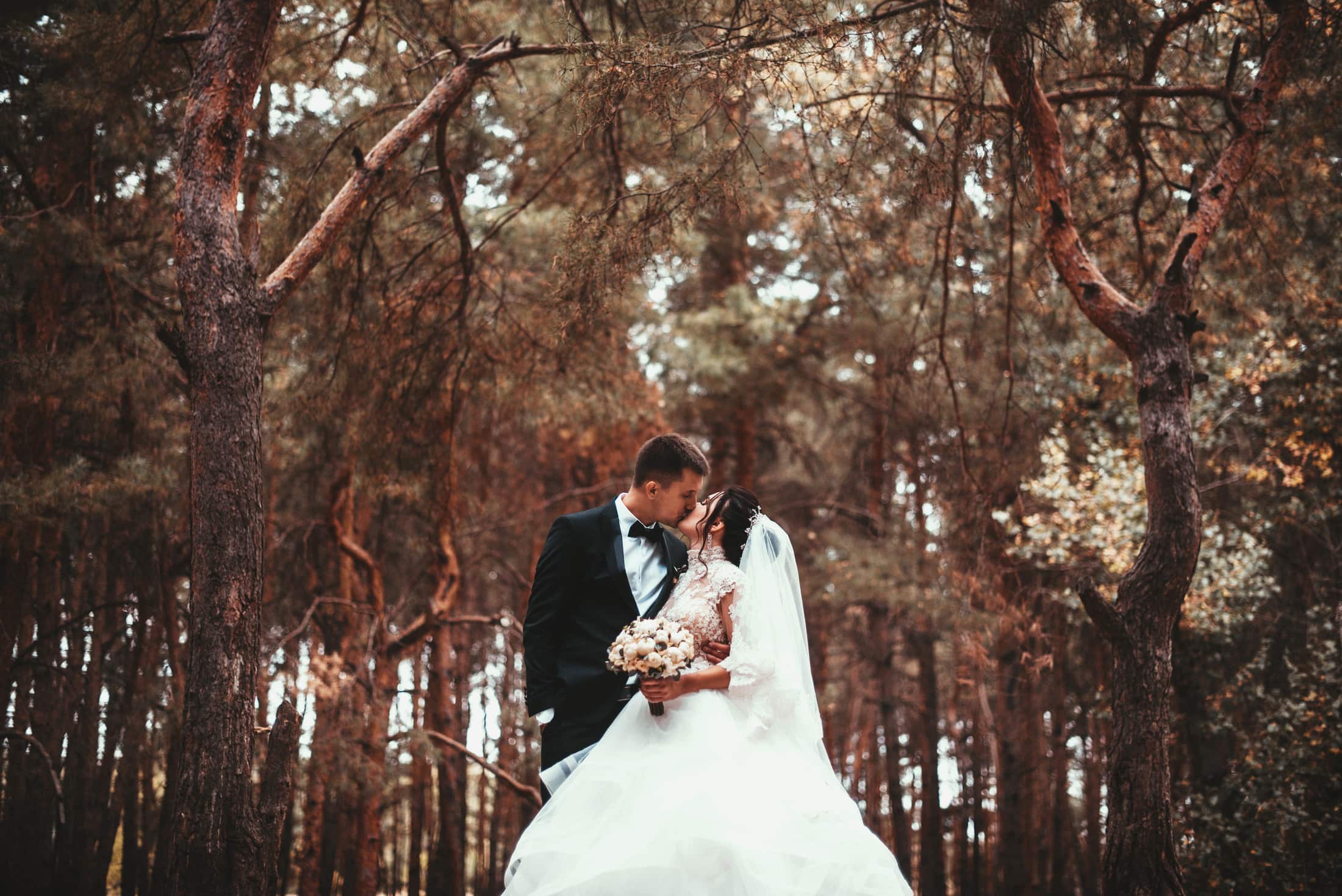
Nature
Walnut, oak and leaf green with candlelight, coral and daisy-gold accents. Falling leaves and fireflies — built for forest, barn and outdoor weddings.
Quiet Coastal
Sage, sand, and chalk. Airy and minimal — built for beach ceremonies and destination weddings.
Midnight Botanical
Deep emerald and antique gold. Formal and candlelit — built for evening affairs and manor venues.
Vilma
Watercolour washes, steel blue, and amber accents. Soft and romantic — built for garden and manor weddings.
Open any template above for a full live preview of how your page will look to guests.
Create your wedding website
Pick a template, add your names and date, and your page is ready to share. It’s free to start.
Create your wedding websiteA web address that’s easy to type
Your web address is what goes on your save-the-dates and invitations, so keep it short and easy to type. Every MyGala page gets a free address like mygala.ca/emma-and-liam. If you’d like your own, such as emmaandliam.com, you can connect a custom domain with Plus.
Check it, then share the link
Before you share, open your page on your phone the way a guest would. Check the date, the times and the addresses, and send a test RSVP to make sure it reaches you.
Then share the link everywhere: on your save-the-dates and invitations, in your group chats and by email. Set your RSVP deadline about 3 to 4 weeks before the wedding so you have time to give final numbers to your caterer.
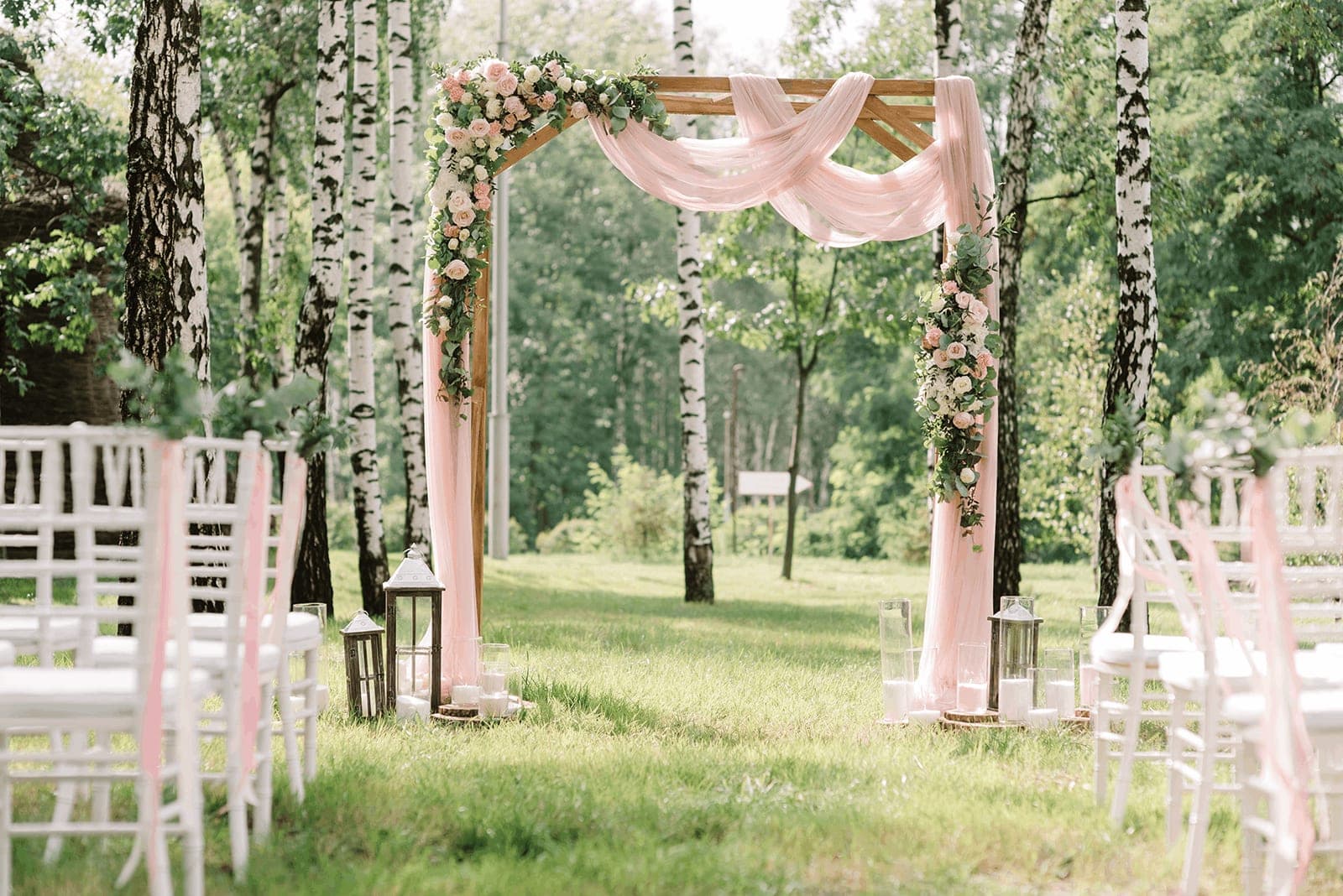
Your wedding website checklist
- Choose a template that matches your wedding
- Pick a short web address, or connect your own domain
- Add your names, date, banner photo and welcome message
- Add the ceremony and reception details with the map
- Add the schedule for the day or the weekend
- Turn on RSVPs and import your guest list
- Add travel, hotel, dress code and registry details
- Choose your page’s language
- Preview it on your phone and send a test RSVP
- Share the link on your save-the-dates and invitations
Planning the rest of the wedding too? Our complete wedding planning checklist covers every task from 12 months out to the thank-you notes.
Frequently asked questions
How much does a wedding website cost?
A MyGala wedding website is free to create and share, with every template, RSVPs, the guest list, the countdown, event details and the schedule. Invitations by email, text and WhatsApp are free too. MyGala Plus is a one-time payment per wedding website (not a subscription) that adds features like reminders, livestream, the registry section, a custom domain and room for up to 500 guest photos (free pages get 50).
What should the first section of a wedding website say?
Your names, the date and the city, with a photo you love and a line or two of welcome. Guests should see at a glance whose wedding it is and when, with an RSVP button close by.
When should our wedding website go live?
Ideally before your save-the-dates go out, about 8 to 12 months before the wedding, so you can put the link on them. Start with the date and location, and add the rest as you book it.
Can we keep our wedding website after the wedding?
Yes. Your page stays online as a keepsake after the wedding.